 Made in DeveloperHub
Overview
Use Diff API Revisions to compare the OpenAPI definitions between revisions. This is useful for quickly reviewing what changed between versions without leaving the API Reference viewer.
When launched, the diff opens in a window and highlights changes in different colours.
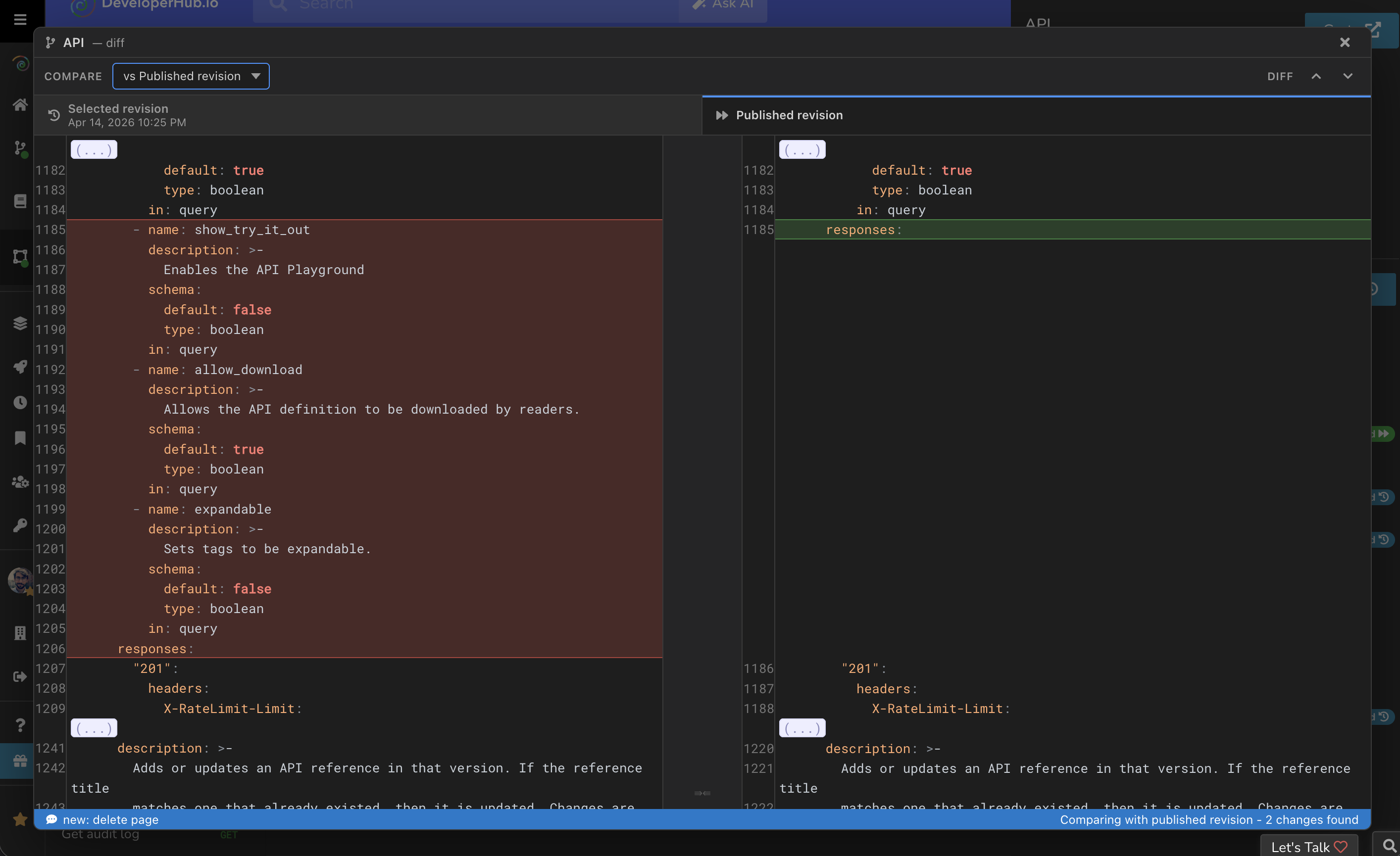
Diff API Revisions
Open your API Reference.
In the right sidebar, open Revisions .
In the revisions timeline, hover over the revision you want to inspect.
Click Diff.
In the diff modal, use the selector next to Compare to choose what to compare against: vs Previous Revision (default), vs Latest Revision, or vs Published Revision.
You can also jump between diffs using the arrows in the top right corner.
Anything missing? Leave us feedback