 Made in DeveloperHub
With Magic Links, your private project can only be accessed by those whom you invite.
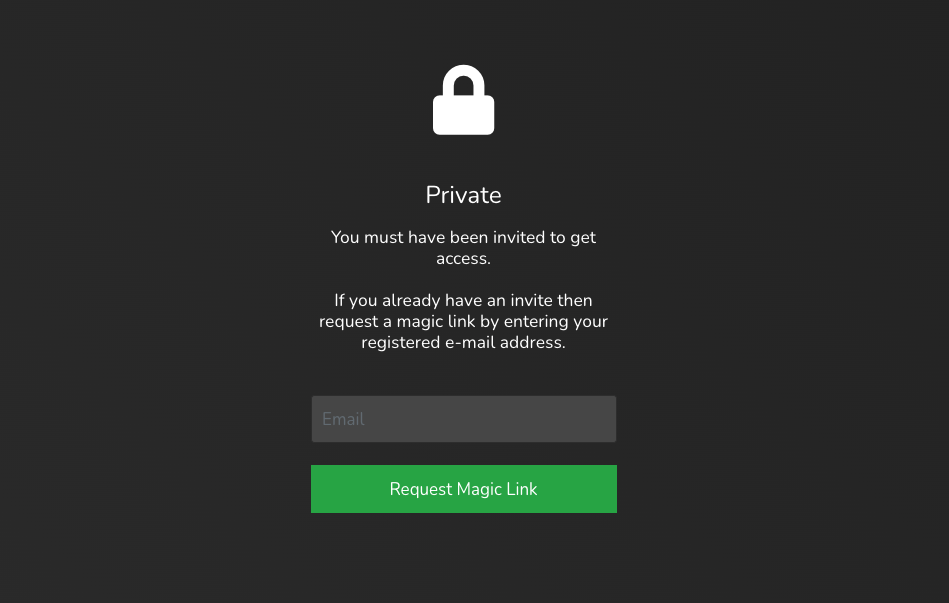
How do Magic Links work?
The process is as follows:
You invite a reader by providing their e-mail address and when their access should expire (or never).
We send them an e-mail containing a link that allows them access to the docs for the validity of their access. Once they use the link, it can no longer be used again.
If they need another link, they can always go to the docs site and request a new magic link.
How to Enable Email Invite?
Open Project Settings → Access.
In the Access method card, select Invited emails.
Click Save changes in the top menu.
How to Invite Readers?
To invite readers:
First, ensure that the project is protected by Email Invite.
Open Project Settings → Access.
In the Sharing & invites card, click View readers.
Input the reader's e-mail address and expiry, if any.
Click Grant Access.
Once you click Grant Access, an e-mail message with be sent out to the e-mail address containing the magic link for access.
Some corporate e-mail security tools quarantine or pre-scan messages, which can prevent the invitation from reaching the reader. If that happens, copy the reader's invitation link directly from the readers list and share it with them through another channel.
How to Revoke Reader Access?
To revoke reader access:
Open Project Settings → Access.
In the Sharing & invites card, click View readers.
Find the reader whose access is to be revoked, then click on the next to it.
The reader will no longer be able to access the docs, or to request a magic link.
Email Invite Customisation
If you would like to change the message that shows in red when a reader's email address is not registered, then please contact us with the exact message you would like to show. An example message would be:
"This e-mail address does not have an invitation. If you would like to get access, please email elon@tesla.com"
The message can be designed using HTML as well.
Email Invite API
You can also invite reader programmatically using our API. See: