 Made in DeveloperHub
All users can integrate DeveloperHub with Slack to keep the team up-to-date, and to make it easier to search your documentation directly from Slack.
What does the Integration do?
The Slack integration does two things:
Real Time Notifications
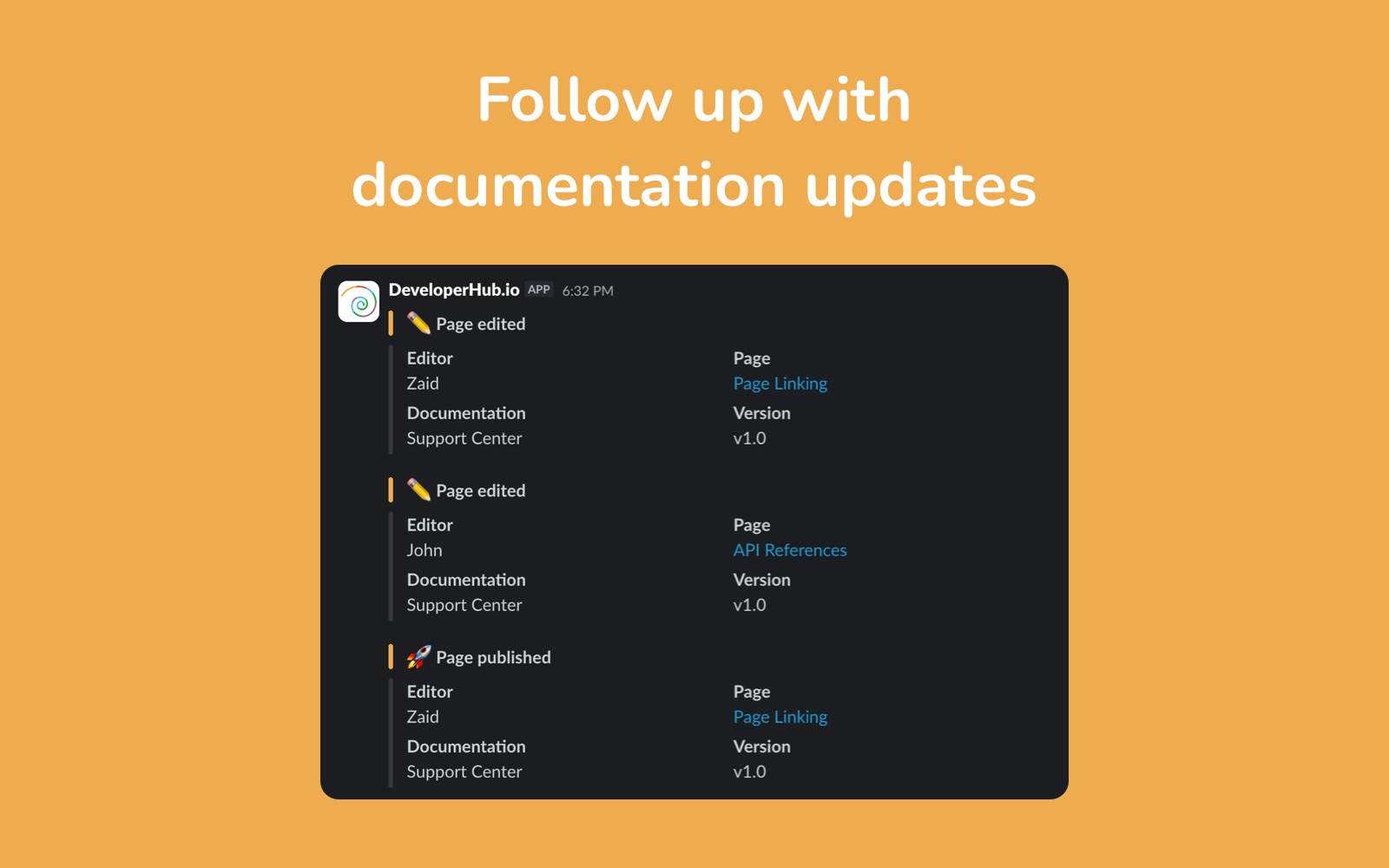
Real time notifications post directly into a Slack channel you select, including:
Page created, edited, and published.
API reference created, edited, and published.
Version created.
It also sends an hourly notification when new feedback is received.
Search your Docs from Slack with /developerhub
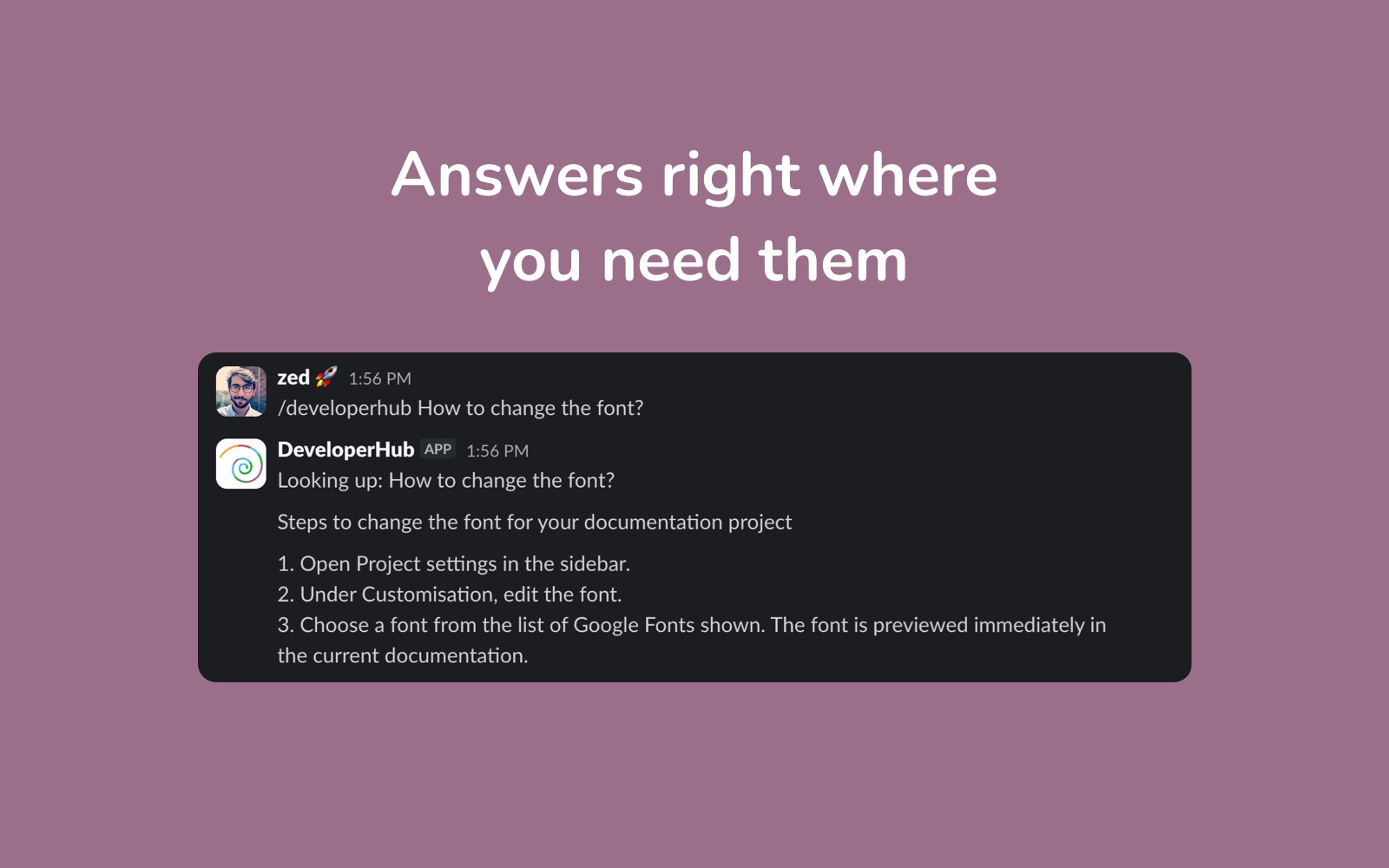
Use the /developerhub slash command to search your docs directly from Slack. This is especially helpful for support agents and internal teams who need quick answers without leaving Slack.
Setting up Slack
To setup the Slack integration:
Open Project Settings → Integrations.
Click on Connect. You will be taken to Slack's authentication page.
Choose the channel to post the notifications to.
The Connect button will now show which channel you are connected to. You may at any time change the channel or workspace by repeating the steps.