 Made in DeveloperHub

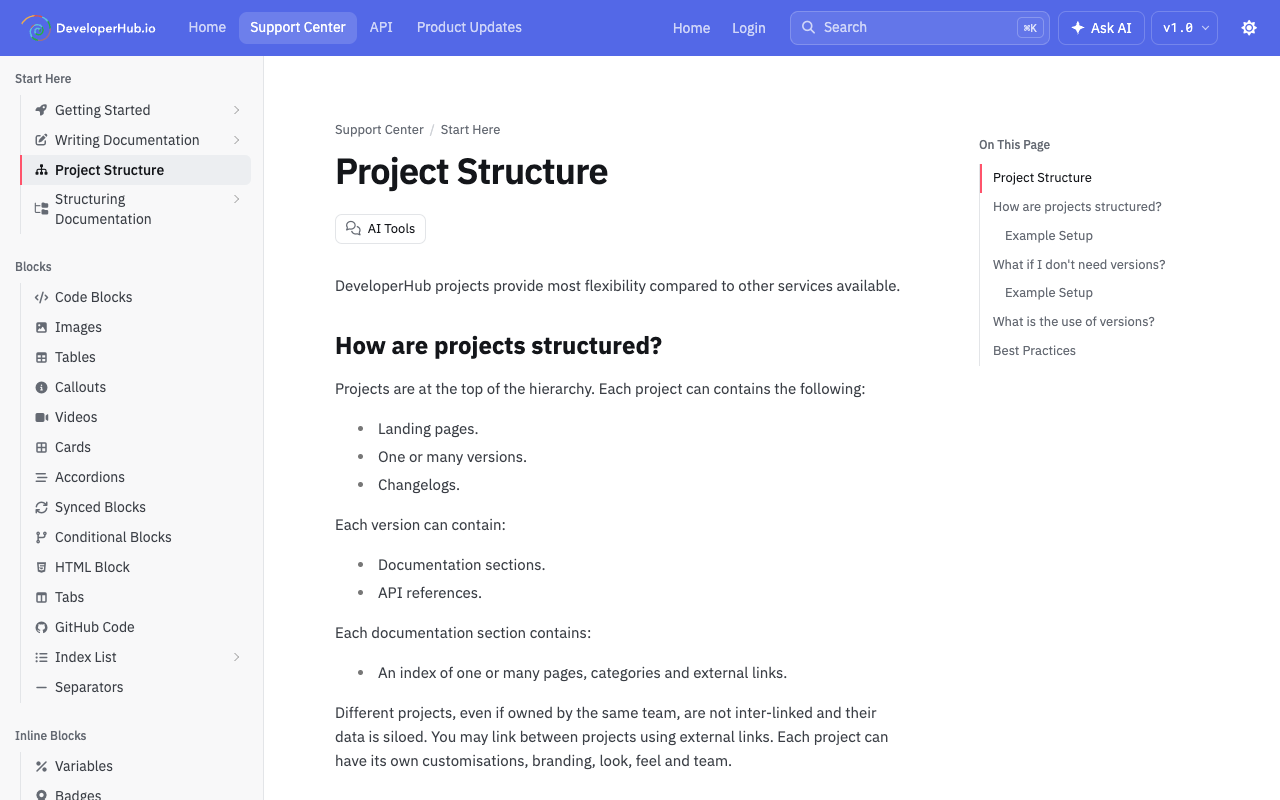
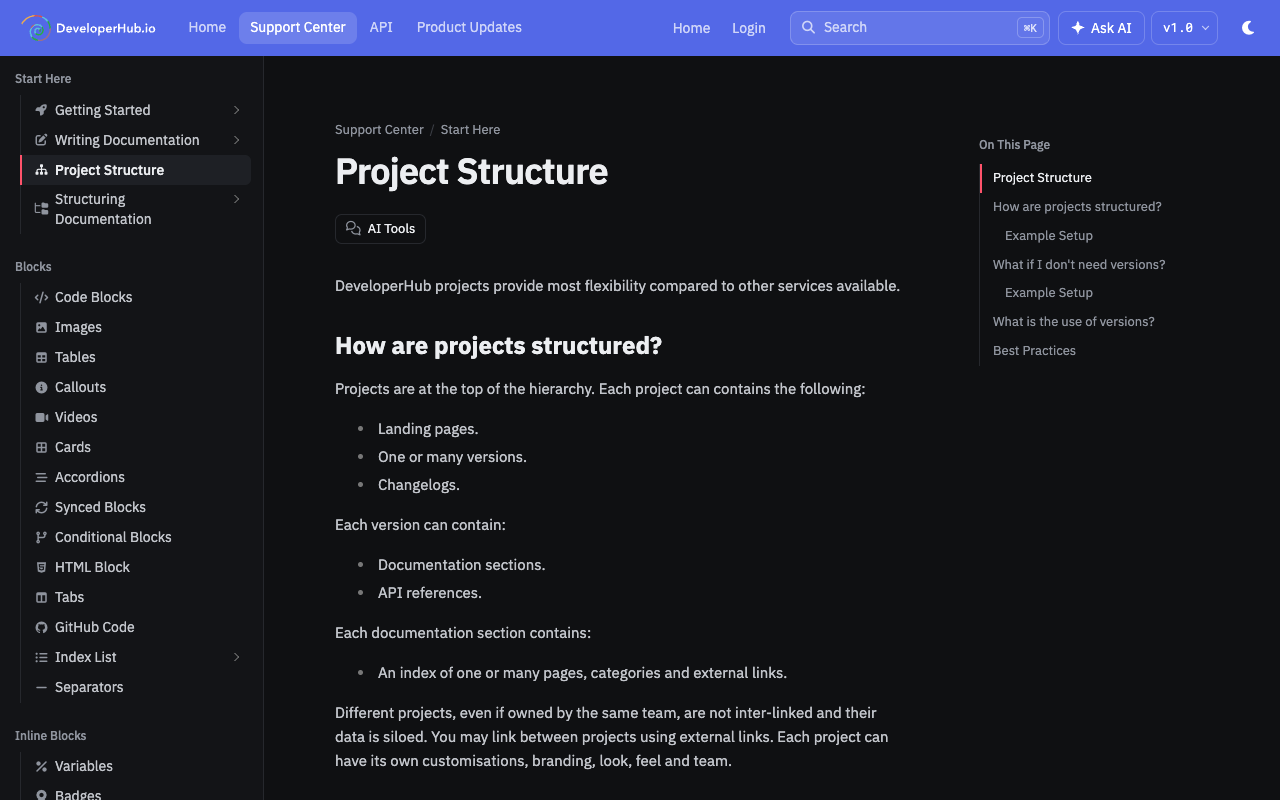
Docs in DeveloperHub can have two themes:
Light theme
Dark theme
It is possible to set the default theme for readers, or let it follow each reader's system setting, and to show a toggle for your readers to enable them to change the theme to their liking.
Setting the theme
To change the default theme for readers:
Open Project Settings → Customisation.
Next to Theme, choose Light, Dark or Auto. Auto shows each reader the theme their system is set to.
Click Save changes in the top menu.
New projects start on Auto.
We suggest using the light code theme when using the light theme.
Show Theme Toggle
To show a theme toggle for readers:
Open Project Settings → Customisation.
Check Show Theme Toggle.
Click Save changes in the top menu.
Light Theme
Dark Theme
Modifying the theme
To modify the theme, update CSS Variables as needed, or add your own Custom CSS. A global .dark-mode CSS selector is added on document.body when dark theme is applied.