 Made in DeveloperHub
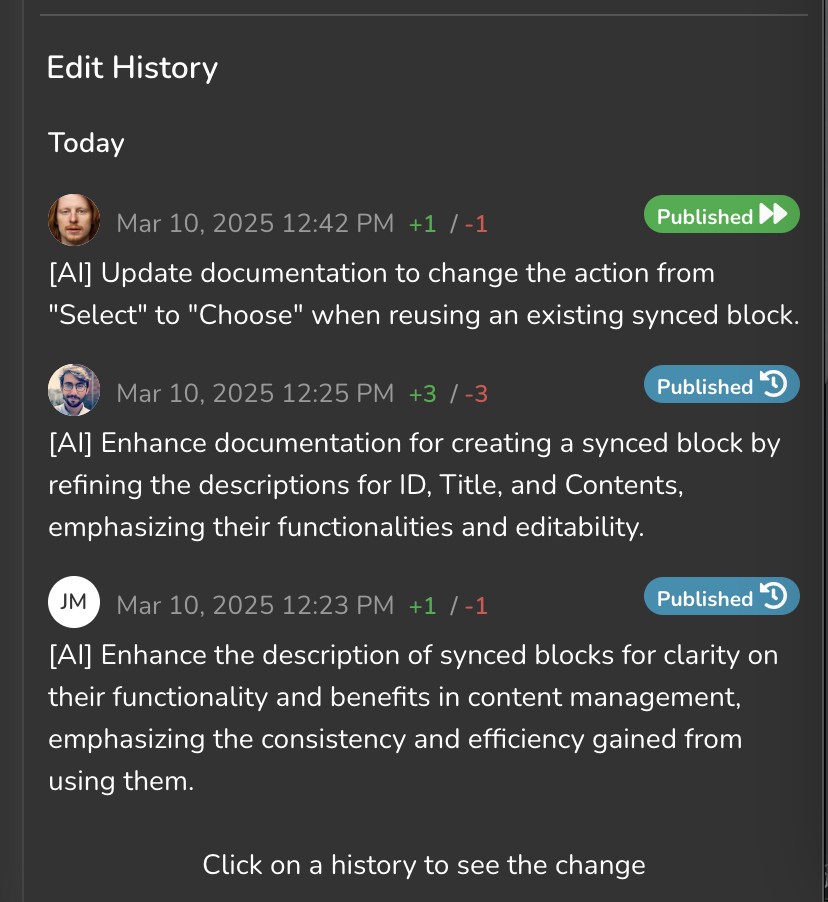
In DeveloperHub, AI can automatically annotate the history of every page, making it easier for you to track and understand the changes and activities that have taken place.
Enabling AI Commit Messages
AI commit messages are disabled by default and must be enabled by an admin. To enable AI commit messages:
Open Project Settings → AI → AI Agents & MCP, then the Editor tab.
Under Writing, turn on AI commit messages.
Click Save changes in the top menu.
Every content change will have its page history annotated by AI.
What data is sent to the LLM?
The page content diff is sent to the LLM when AI annotates page histories.
Anything missing? Leave us feedback