 Made in DeveloperHub
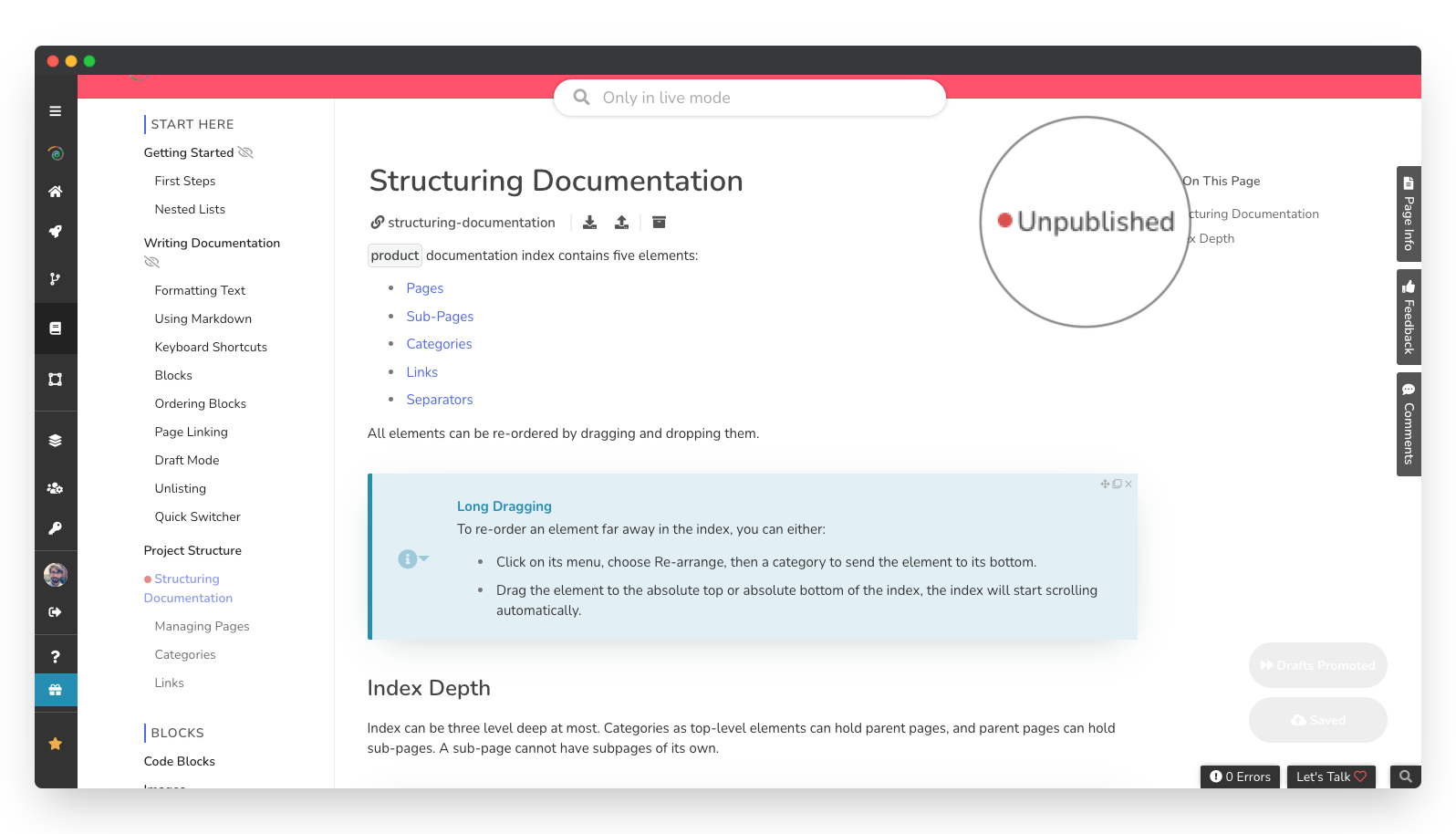
An unpublished page is a page that your readers cannot reach. It can only be edited by your teammates.
How could a page get unpublished?
A page can be unpublished because:
It was never published yet. After a page is created and first saved as a draft, it would still be unpublished until first published.
A teammate has unpublished the page.
If it is a child page, a teammate has unpublished its parent page.
How to unpublish a page?
To unpublish a page that is published:
In the index, open the Options menu for the page to be unpublished.
Click on Unpublish .
To allow the page the be publish again:
In the index, open the Options menu for the page to be published.
Click on Allow to Publish .
Anything missing? Leave us feedback